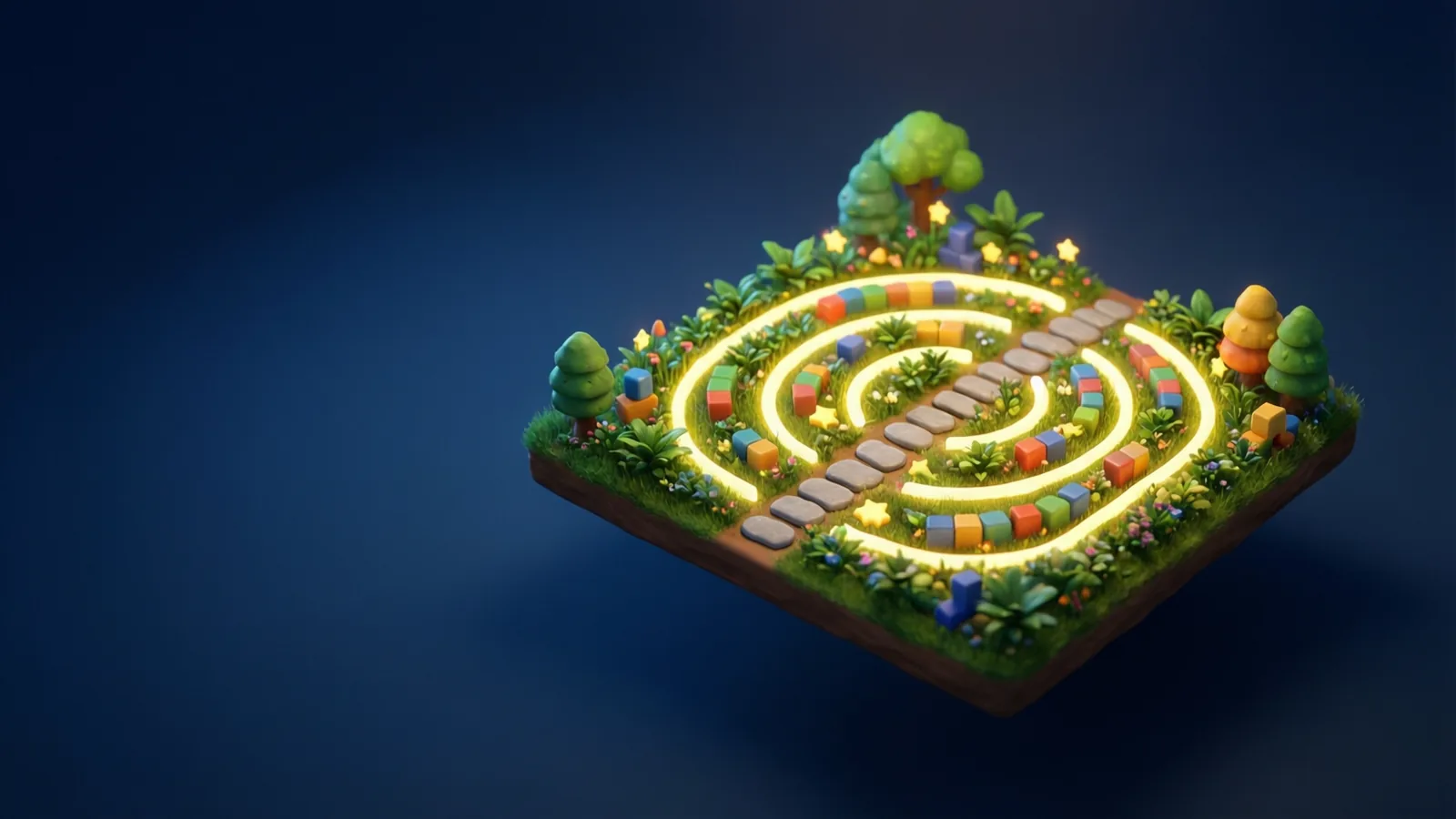
Code Garden: A Parent’s Guide to Block Coding and Python
How children aged 6–10 learn to code by snapping blocks together in Code Garden, and how each block turns into real Python. Privacy facts and tips for parents.
Code Garden teaches children aged 6 to 10 to code by snapping blocks together to guide a little hero through a garden maze. The twist is that every block is shown as a real line of Python next to it. This guide explains what your child does, what they learn, and how you can help without knowing any programming.
What your child does in Code Garden
Each puzzle shows a small garden with a character and a goal: hop over the cone, pick up the stars, bring the dog to the bone. Your child builds a program by tapping blocks such as Right, Jump, Up, Down and Repeat, then presses play and watches the character follow the instructions.
If the character misses the goal, nothing is lost. Your child looks at what happened, changes the blocks and tries again. That cycle of predict, test and fix is the heart of programming.
The puzzles come in a few flavours. Some ask for a solution from scratch. Others show a program that is almost right, perhaps a cat that stops one square early, and ask your child to find the mistake. Fixing someone else’s bug is a skill that professional developers use every day.
Blocks that turn into real Python
Many block tools hide the real code. Code Garden does the opposite. As blocks are placed, the matching Python appears beside them. A Right block shows as go_right(). A Jump block shows as jump().
The Repeat block is the most interesting. Repeating something three times appears as a real loop:
for i in range(3):
with the move inside it. Children are not expected to read this on day one. But seeing it every time builds quiet familiarity, so when they meet written code later, the shapes are not strange.
This is a simplified teaching environment, with a small set of commands. It is a first step into Python, not the whole language.
The ideas your child picks up
- Sequences. Order matters. Move up then right is not the same as right then up.
- Loops. Instead of five identical blocks, one Repeat block does the job. Children discover the idea of saving effort.
- Debugging. When a program does the wrong thing, there is usually one small mistake to find.
- Efficiency. Stars are awarded for using few blocks, so a shorter correct answer earns the most. It rewards neat thinking without punishing a longer first attempt.
- Planning. Looking at the garden first and thinking about the path before tapping blocks becomes a habit.
None of this needs a keyboard or reading skills beyond the basics, which suits the younger end of the age range.
Privacy and safety for children
The kids zone is built to keep children safe:
- No ads.
- No trackers.
- No chat or messaging.
- No accounts for children.
- Purchases and settings are behind a grown-up check.
Details are on the kids privacy page, and the parents page explains the grown-up area.
How you can help without knowing code
You do not have to understand Python to be a great co-pilot. Try these:
- Ask for a prediction. "Where will the cat end up when you press play?"
- Ask for an explanation. "Why did you use Repeat here?"
- Praise the fix, not the speed. Finding a bug is the win.
- Count the blocks together. Can the same garden be solved with fewer?
- Let them teach you. Having your child explain a loop to you is one of the best ways to lock in the idea.
The free first step is First Steps: blocks to Python, a short companion guide that lists the blocks and the Python line each one becomes. It reads well aloud together.
Setting up a good routine
Short and regular beats long and rare. Ten to fifteen minutes a few times a week is plenty for this age.
Start with puzzles your child can solve, so the first minutes feel like success. Move to the "fix it" puzzles when they are comfortable, since those are a little harder. Stop while they still want more.
If your child gets frustrated, step away and come back later. A puzzle often looks easy after a break.
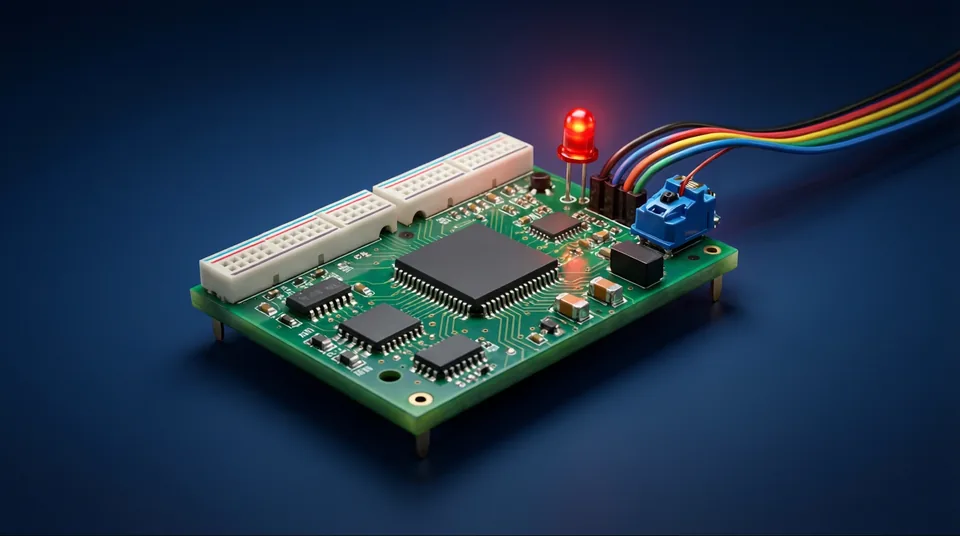
As they grow, the Electronics & Arduino lab is a natural bridge from screen coding to circuits and real programmable boards, and Circuits for Kids is a good companion for building and wiring ideas.
- Children guide a hero through garden mazes by snapping together blocks.
- Every block is shown beside the real Python line it becomes.
- Core ideas: sequences, loops, debugging and finding shorter solutions.
- The kids zone has no ads, trackers, chat or child accounts; purchases sit behind a grown-up check.
- Ask for predictions and explanations; you do not need to know code to help.
Open Code Garden
Free to open, nothing to install.
More free lessons from this guide
Simulations on Novareka are teaching models, simplified on purpose. They show how an idea behaves; they are not a substitute for professional, medical or engineering advice.
Labs in this guide
 Kids · Live
 Kids · Live
 Live
LiveKeep reading
All guides →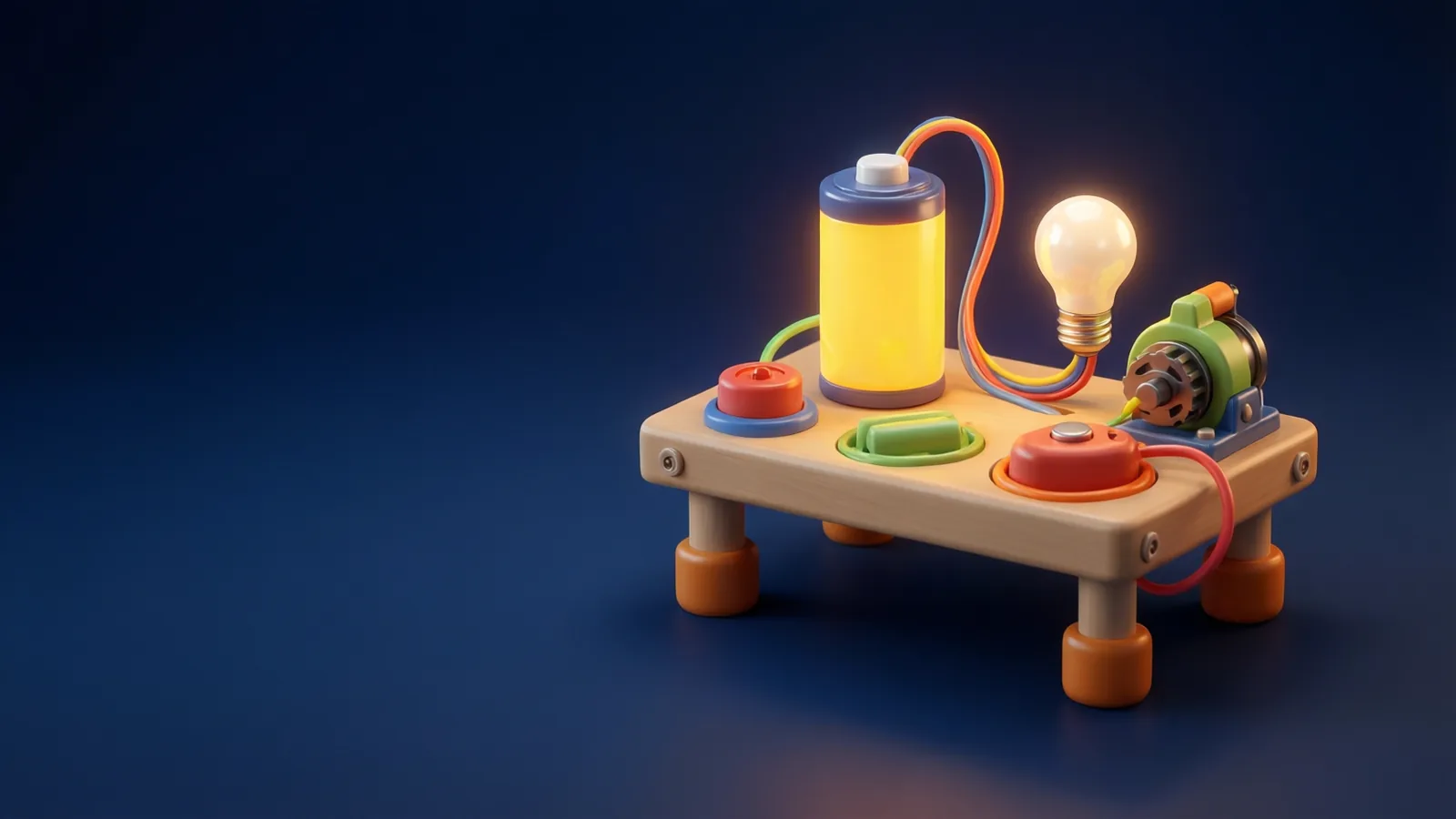 Explainer
 Explainer
 Explainer