Circuits for Kids: A Parent’s Guide to Learning Electricity
What a 6–10 year old does in Circuits for Kids: wiring batteries, lights, buzzers and motors on a virtual bench, plus tips for talking about it at home.
Circuits for Kids is a play space where children aged 6 to 10 connect batteries, lights, buzzers and motors on a virtual 3D workbench. This guide is for the grown-up beside them: what your child actually does, which ideas they pick up, and how you can join in without being an electrician.
What your child does in Circuits for Kids
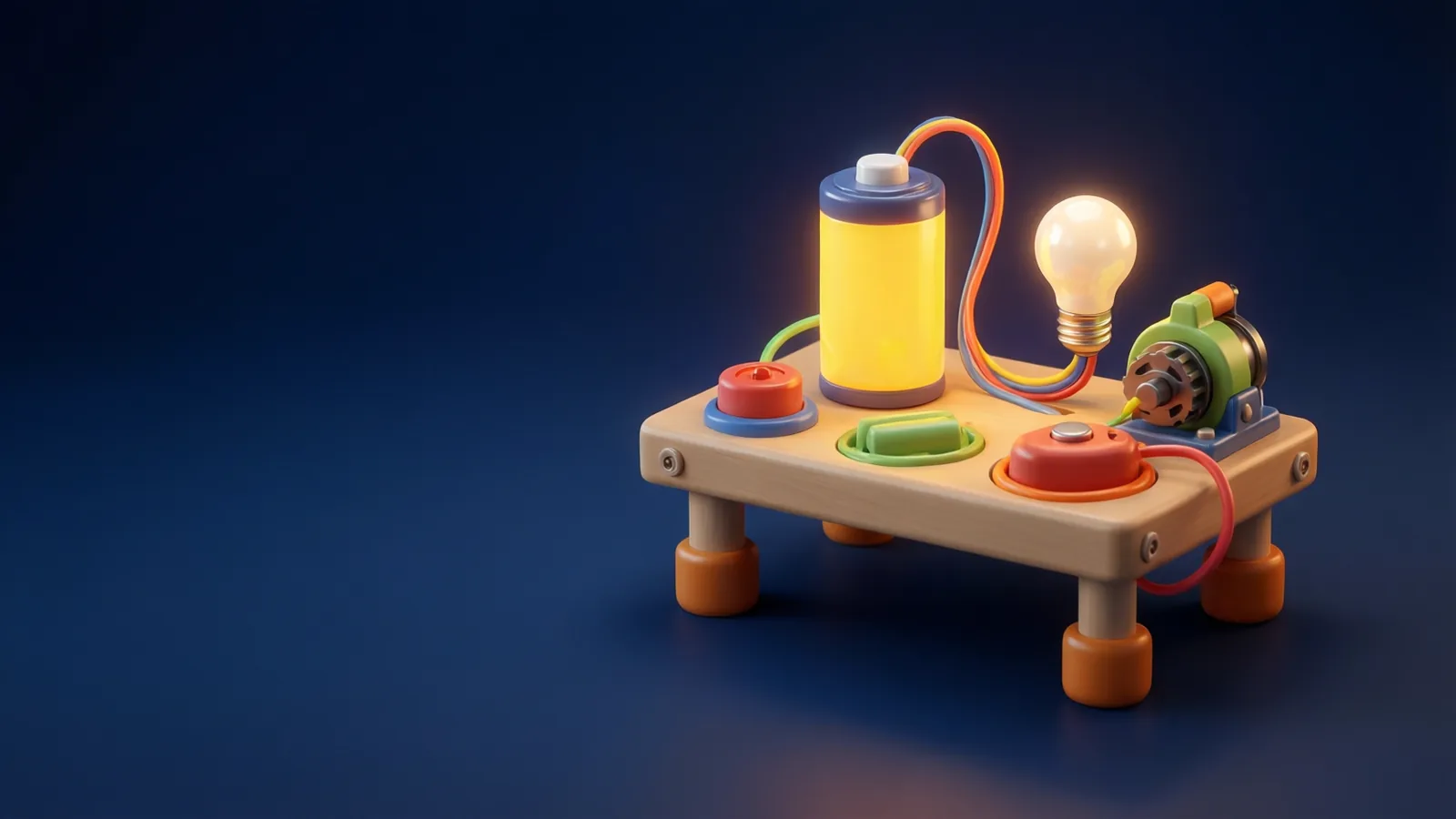
The core activity is building. Your child sees a workbench with parts on it and drags them into place, then connects them with wires. When the loop is right, a light glows, a buzzer sounds or a motor spins. When something is wrong, nothing happens, and that is part of the learning.
Everything runs on a screen. There is no real electricity involved, no loose batteries and no tools. It is a simplified model built to make the ideas easy to see, not a replacement for a real kit.
The world is split into themes, each with its own parts:
- Light World: battery, LED, switch, button, resistor and an RGB LED.
- Sound World: buzzer and speaker.
- Motion World: motor and fan.
- Sensor World: parts that react to light or heat.
- Smart World: simple logic gates that decide when something switches on.
The ideas behind the play
Underneath the fun, a few real concepts keep coming back.
A circuit is a loop
Electricity needs a complete path from the battery, through the parts and back again. If the loop is broken, say by an open switch, the light goes out. Children discover this by trying, which sticks far better than being told.
Plus and minus matter
Batteries and many parts have a positive and a negative side. Connecting them the right way round is the first puzzle most children solve.
Parts have jobs
A light turns electricity into glow, a buzzer into sound and a motor into movement. Sorting parts into "what does it do" is a gentle first step toward thinking like an engineer.
Switches and logic
In the later worlds, children meet gates such as AND and OR. Without any jargon-heavy lecture, they find out that a circuit can decide: this light comes on only when both buttons are pressed.
How the read-along lessons fit in
Alongside the workbench, each world has two short companion lessons: one to meet the parts, and one with words to know. They are written to be read aloud together.
Sit beside your child and take turns. Let them find the part on screen while you read its description, then swap. If a word like polarity or frequency appears, the words lesson explains it in plain language.
The first ones to try are Light World: meet the parts and Light World: words to know. After that, Sound World: meet the parts and Motion World: meet the parts give a nice change of scene.
Privacy and safety for children
Parents often ask first about what happens to their child’s data, so here are the facts for the kids zone:
- No ads.
- No trackers.
- No chat or messaging between children.
- No accounts for children.
- Purchases and settings sit behind a grown-up check, so your child cannot change them by accident.
You can read the details on the privacy page for the kids zone, and the page for parents explains how the grown-up area works.
Questions to ask at home
You do not need to know the answers. Good questions are enough to keep the learning going.
- "What happens if you open the switch? Why do you think that is?"
- "Which part makes the sound, and which part makes the light?"
- "What would you change to make the motor turn the other way?"
- "Can you build something that only works when two buttons are pressed together?"
- "Where do you see a switch at home or in the car?"
Let your child explain in their own words. A wrong guess followed by a test on the bench teaches more than a quick right answer.
Tips for a good first session
- Keep it short. Ten to twenty minutes of focused play is plenty at this age.
- Start in Light World. One battery, one LED and one switch is a satisfying first win.
- Let them get stuck. A little puzzlement is useful. Offer a hint, not the answer.
- Link it to real things. Torches, doorbells and toy cars use the same ideas.
- Take real batteries seriously. Please keep real electrical experiments for later and under adult supervision; the bench here is only a game.
If your child enjoys it and grows older, the full Electronics & Arduino lab is a natural next step, with voltage, current and real programming.
- Children build virtual circuits on a 3D workbench: lights, sounds, motors, sensors and logic.
- The big ideas are loops, plus and minus, and parts that each have a job.
- Read-along lessons are meant to be shared: take turns finding parts and reading words.
- The kids zone has no ads, trackers, chat or child accounts, and purchases sit behind a grown-up check.
- Short, curious sessions beat long ones; ask questions rather than giving answers.
Open Circuits for Kids
Free to open, nothing to install.
More free lessons from this guide
Simulations on Novareka are teaching models, simplified on purpose. They show how an idea behaves; they are not a substitute for professional, medical or engineering advice.
Labs in this guide
 Kids · Live
 Live
Live Kids · Live
Keep reading
All guides → Explainer
 Explainer
 Explainer